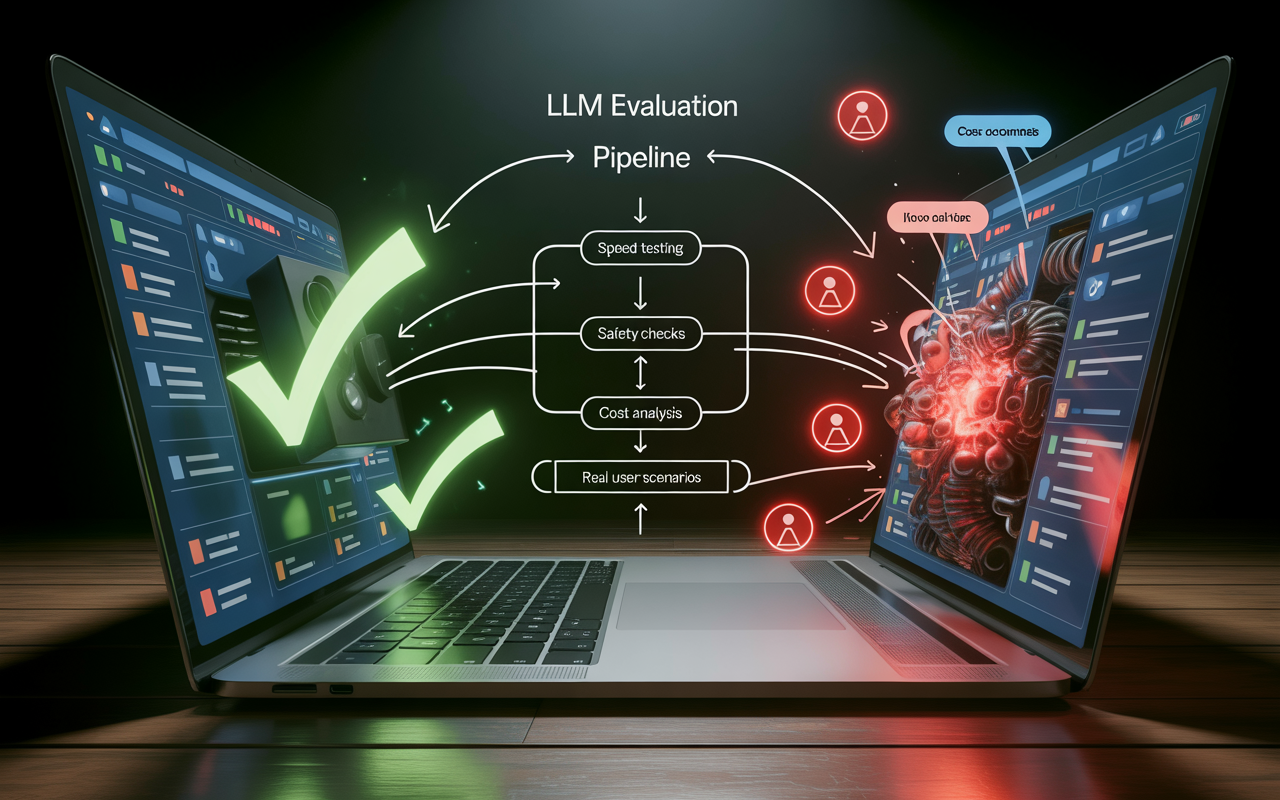
How to Evaluate LLM Performance for Real Apps: Stop Guessing, Start Measuring
So you built an app with an LLM. It works great in your demo. Then you ship it. Real users type weird stuff. The AI says something stupid. Or slow. Or dangerous. Your cool feature is now a ticking time bomb. Welcome to the real world. Figuring out how to evaluate LLM performance for real apps is the difference between a gimmick and a product.
This isn’t about academic scores. It’s about your app not embarrassing you. It’s about speed, cost, and not getting sued. You need a plan. A ruthless, practical system to stress-test your AI before users do. Let’s build that system.
We’ll move beyond theory into the gritty details of testing LLMs for real-world apps. We’ll cover the LLM evaluation metrics that matter, the evaluation frameworks you can steal, and the performance issues you must catch.
Forget Benchmarks: Define What “Good” Actually Means For YOUR App
First step? Stop caring about generic leaderboards. An LLM that aces a science test might be a terrible email writer. Your LLM evaluation starts with one question: What is this feature supposed to DO?
- Is it a customer service bot? Accuracy and safety are king. It must never invent company policy.
- Is it a creative writing partner? Consistency of voice and reliability matter more than fact-checking.
- Is it summarizing legal documents? Precision and recall for key clauses is everything. Speed is secondary.
This is domain-specific LLM evaluation. You craft your own definition of “good.” Write it down. Make a checklist. For a support bot, “good” might be: “Answers common questions correctly in under 2 seconds, escalates complex issues politely, never uses offensive language.”
I saw an app fail hard. It used an LLM to generate product descriptions. The benchmark scores were stellar. In production? It started making up fake tech specs. It hallucinated features that didn’t exist.
The real-world LLM performance metrics they ignored were hallucination rate and factual consistency. Their “good” was “sounds fluent.” It should have been “is 100% accurate to the product datasheet.” Define your “good.” Now.

The Core Exam: Testing Accuracy, Reliability, and Safety
This is the main test. Your LLM needs to pass. We’re evaluating LLM outputs for three big things:
1. Is this correct? (Accuracy & Hallucination)
The LLM must tell the truth. Your truth. Hallucination detection is job one. Build a test set of 50-100 real user prompts. You know the perfect answer for each. Run the LLM. Grade it.
- Tool Tip: Use LLM-as-a-Judge. Have GPT-4 or Claude score the output against your rubric. It’s not perfect, but it scales.
- Metric: Calculate an accuracy score. (Correct Answers / Total Prompts). Aim for a clear target, like 95%.
2. Is it Consistent? (Reliability)
Ask the same question ten times. Do you get the same good answer ten times? Or does it waffle? Testing LLM outputs for consistency is crucial for user trust. High variance is a red flag.
3. Is it Safe and Aligned? (Safety)
This is non-negotiable. You must conduct an LLM safety evaluation. Test for:
- Toxic output (hate speech, bias).
- Data leakage (does it reveal its training data?).
- Jailbreaking (can users trick it into bad behavior?).
- Tool Tip: Use open-source LLM evaluation tools like Presidio for PII detection or Toxic-Comment classifiers.
This model validation for LLM apps is your quality gate. No pass, no launch.
The Real-World Gauntlet: Speed, Cost, and Scalability
An LLM can be perfect and useless. If it takes 10 seconds to reply, users leave. If it costs $5 per query, you’re bankrupt. You must evaluate LLMs in production conditions.
Latency: This is response time. Measure LLM latency and speed from your server, not a quiet lab. Use the p95 or p99 metric (the slowest 5% or 1% of requests). Users remember the worst wait. For a chat app, under 2 seconds is table stakes.
Throughput: How many queries can it handle per minute? Crank it up. Do LLM stress testing. Watch what breaks. Does latency spike? Do error rates balloon?
Cost: This is simple math. (Cost per 1K tokens * Average tokens per query). Multiply by your expected users. Now double it. Real usage is always higher. Cheaper, smaller models (like a fine-tuned Llama-3) often beat giant, expensive ones for specific tasks. LLM performance vs model size is a key cost trade-off.
A Brutal Truth: Sometimes, you must swap a more accurate model for a faster, cheaper one. That’s a real-world decision. Your LLM performance testing workflow must include these numbers.

Building Your Evaluation Machine: Workflows & Tools
You can’t do this manually. You need a system. An LLM performance testing workflow. Here’s a simple one:
- Create a Golden Dataset: Your 100+ test prompts and ideal answers. This is your LLM evaluation dataset.
- Automate the Run: Use a script to fire all prompts at your LLM weekly. Log every output, latency, and cost.
- Grade Automatically: Use LLM scoring methods (like LLM-as-a-Judge) to grade for accuracy, safety, etc.
- Track Everything: Put scores, latency, and cost on a dashboard. Watch trends.
Tools are your friends:
- LangSmith (by LangChain): The industry standard for tracing, debugging, and evaluating LLM outputs. It lets you visually compare runs.
- Helicone: Brilliant for tracking cost, latency, and usage analytics across providers.
- OpenAI Evals: A framework for building automated evaluation suites.
- PromptLayer: Tracks prompt evaluation for LLMs over time, so you know if a tweak helped or hurt.
This system turns evaluating LLM performance for real apps from a panic attack into a calm, weekly report.
The Never-Ending Cycle: Live Monitoring & User Feedback
Launch day is not graduation day. It’s the first day of a harder class. Now you evaluate LLM performance for real apps with real humans.
Live Monitoring: Your dashboard now needs real-time alerts. Is latency spiking? Is the error rate up? Set up alarms. This is LLM robustness testing in the wild.
A/B Testing: The king of real-world LLM performance metrics. Run two versions of a prompt or two different models for 5% of users. See which one leads to more conversions, less support tickets, longer session times. LLM A/B testing methods give you business answers, not just technical scores.
User Feedback Loops: Build a “thumbs down” button. Collect bad responses. This is your most valuable LLM evaluation dataset. It shows you the edge cases you missed. Analyzing this feedback is crucial for end-to-end LLM app evaluation. It tells you where the product experience is breaking.
I know a team that added a simple “Regenerate” button. They tracked every click on it as a failure. That single data point became their most important LLM evaluation metric. It showed them exactly which queries were problematic. Listen to your users. They will break your AI in ways you never dreamed of. That’s your roadmap.
FAQs: Your LLM Evaluation Questions, Answered
Q1: What’s the most important metric for evaluating an LLM?
There is no single king. It’s a trio: Accuracy (is it right?), Latency (is it fast enough?), and Cost (can we afford it?). You must balance all three based on your app’s specific needs. A research tool needs high accuracy. A live chat feature needs low latency above all else.
Q2: How do I test for LLM hallucinations?
Create a test set of questions where you 100% know the factual answer. Use Retrieval Augmented Generation (RAG) to ground the LLM in your documents. Then, use an LLM-as-a-Judge approach or a separate factual consistency classifier (tools like TrueLens) to score each response. A high hallucination rate in testing is a major red flag.
Q3: Are open-source evaluation tools any good?
Absolutely. Frameworks like MLflow for tracking, Weights & Biases for experiment logging, and Toxic-Comment classifiers for safety are production-grade. The key is to combine them into your own LLM evaluation framework. Don’t wait for a perfect all-in-one tool; build your stack.
Q4: How often should I re-evaluate my LLM’s performance?
Constantly. Set up automated weekly runs on your golden dataset. Monitor live metrics daily. Re-run major LLM performance benchmarks anytime you: 1) Change your prompt significantly, 2) Switch your model (or the model gets an update), 3) See a spike in user complaints or cost. Evaluation is not a one-time event.
Q5: My LLM works perfectly in testing but fails with users. Why?
This is the classic trap. Your test set is too clean. Real users are messy. They use slang, make typos, ask ambiguous questions. Your LLM evaluation for enterprise apps must include “adversarial” test cases—weird inputs, multi-part questions, attempts to confuse the AI. Incorporate real user logs into your test set every week. Stress-test the edges.
So, you want to know how to evaluate LLM performance for real apps? It’s a mindset shift. You’re not a researcher grading a paper. You’re a foreman stress-testing a new bridge. You hit it with different weights. You look for cracks. You measure how it sways in the wind. You plan for storms.
Start small. Define what “works” means for your one feature. Build a tiny test set of 50 questions. Run them. Grade the answers. Measure the speed. Calculate the cost. Then, build the machine around it—the automation, the dashboard, the feedback loops.
The goal isn’t a perfect score. It’s a confident understanding. You’ll know your AI’s limits. You’ll see its failure points before your users do. You’ll make smart trades between speed, cost, and quality. This process turns a magical, unpredictable black box into a measured, managed component. That’s how you ship AI features that don’t just demo well—they actually work. Now go break something, and take good notes.
Read More: Best VPN for Chrome Free